DAZ STUDIO INSTALLER BACKUP
TUTORIAL
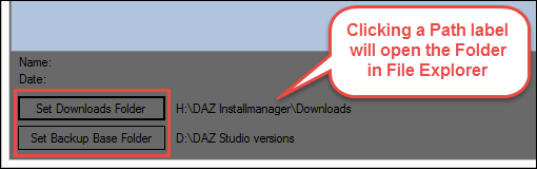
1. First set the paths to the DAZ Install Manager (DIM) Downloads folder, and then create a Backup Base Folder
for storing the installer backups:
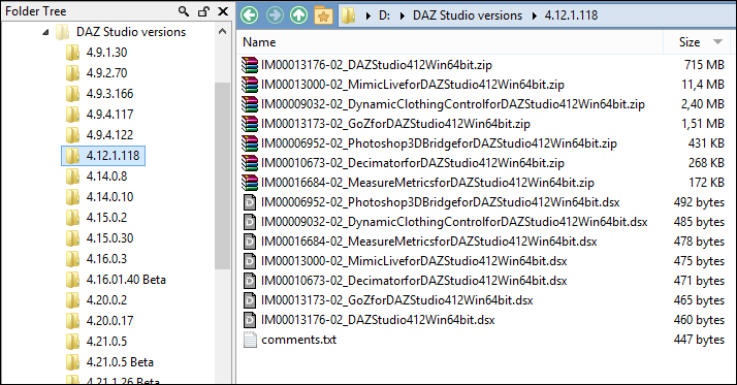
If you already have some backups of older DAZ Studio versions, you can import these. Each set of installers must
be in a separate subfolder inside the Base Folder, named by the DAZ Studio version they belong to. For Public Beta
versions, you must append “Beta” to the version number when you import them, as shown below. The program is
using the Beta label internally to distinguish between Betas and General Releases:
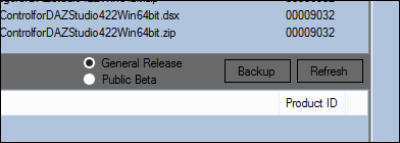
When the Downloads folder has been set, you can load the current General Release or Public Beta files in the
folder into the top pane using their respective Radio Buttons at the bottom of the panel:
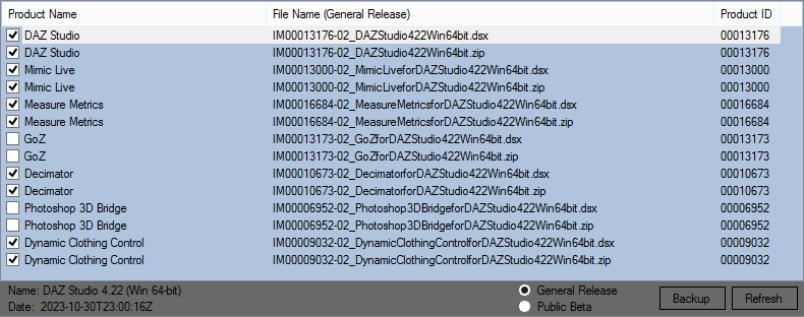
To backup, check the boxes for the files you want to back up. Normally you’ll want to back up them all, in this
case just right click on the pane and select “Check All” from the Context Menu. If you want to back up selected
files only, remember to check both the .zip and the .dsx file for each:
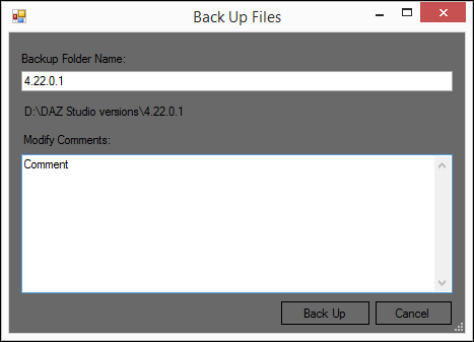
Then click the Backup button, to open the Save dialog:
Enter the DAZ Studio version number with no leading or trailing spaces or anything else, and add a comment if
you want (you can always add/edit comments later, if you don’t want to add any at this point). Whether it’s a
General Release or a Public Beta, just enter the version number, if it’s a Beta the program will automatically add
“Beta” to the folder name. The clíck the Back Up button. The checkbox for each file will automatically be cleared
as soon as the file has been copied to the backup folder.
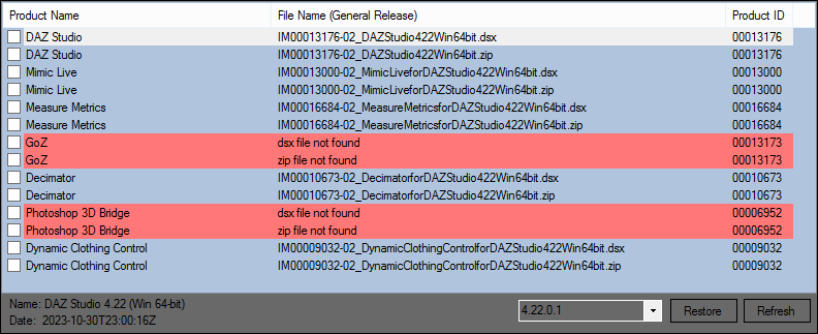
When the files have been copied, the program will automatically select the new folder in the Combo Box under the
lower pane, so you can verify the status of the copied files.
DAZ Studio Version Number
Unfortunately the DAZ Studio installer files do not contain any data by which you can detect which exactly which
version (build) it is. So to find the version number you can use one of these options:
1. Install DAZ Studio and then get the version number from either the splash screen when it starts up, or from Help
> About when it’s running. If you use DIM, back up the installer files right after you have installed DAZ Studio, to
ensure that they match the version number.
1.
(to be continued…)
(work in progress)